Wizard AI
Wizard AI isn't a bolt-on chatbot. It's built into every part of Wizard Application: drafting documents, screening candidates, summarising meetings, automating workflows and answering questions with the context of your own workspace.
Wizard AI. Your business assistant.
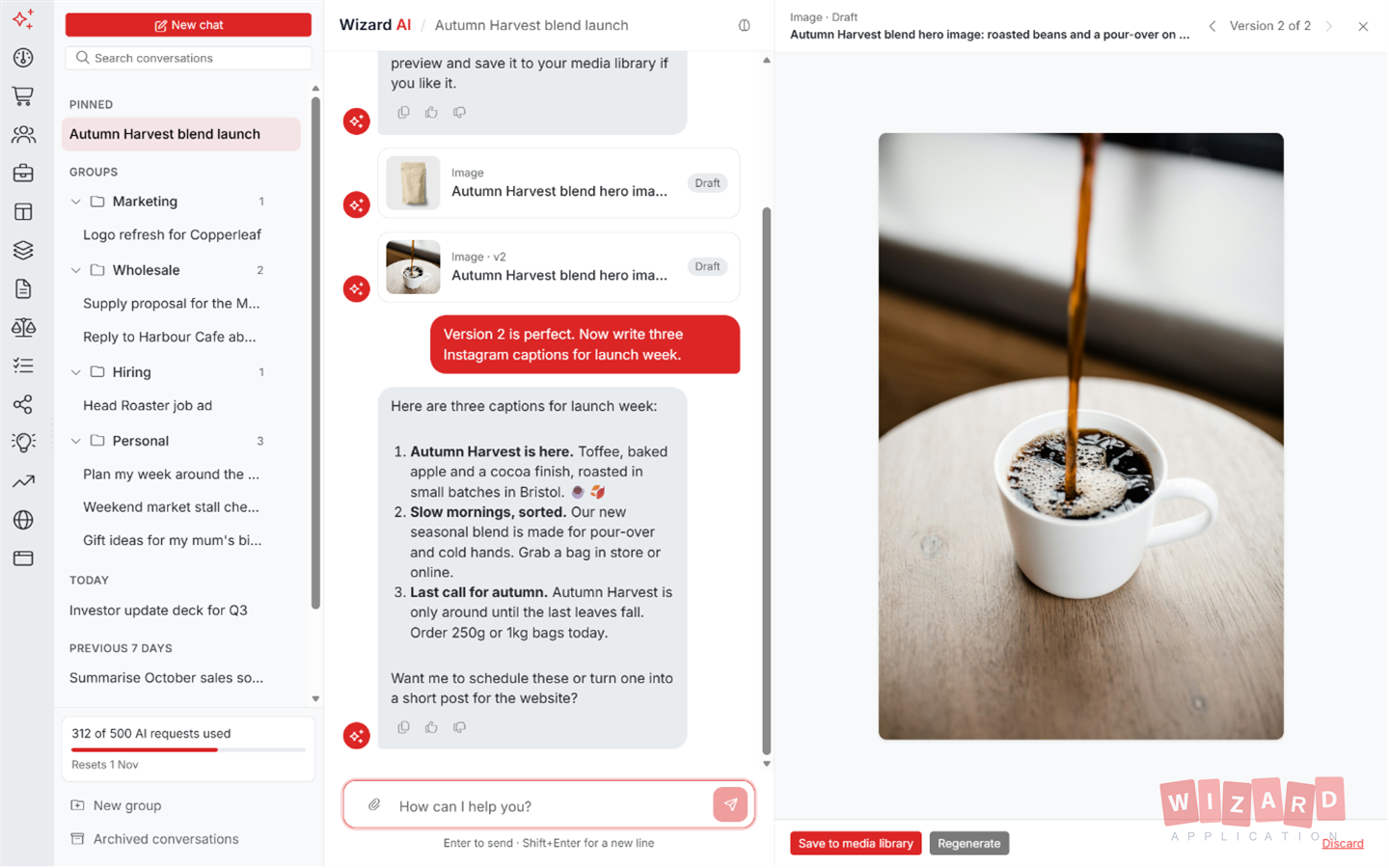
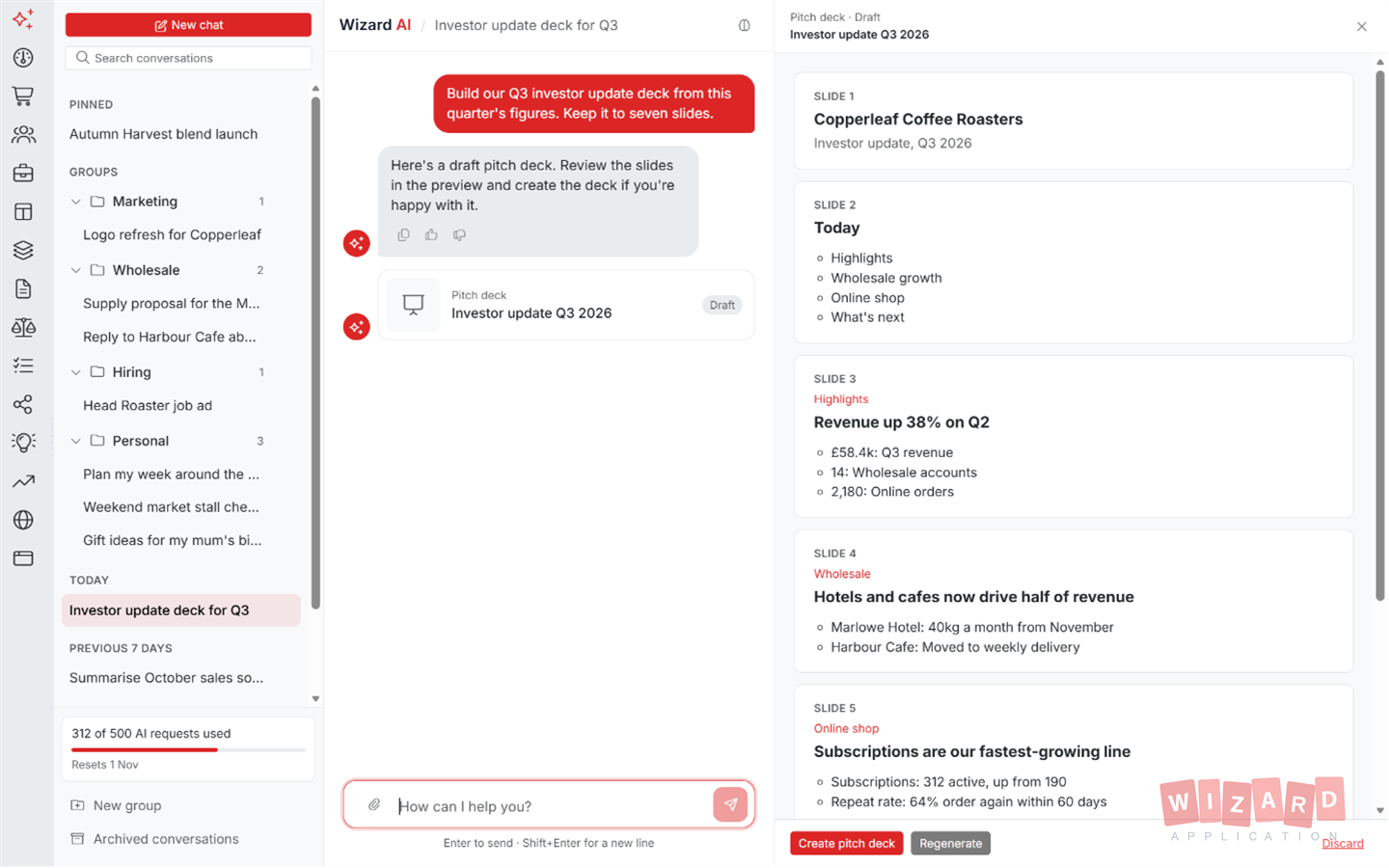
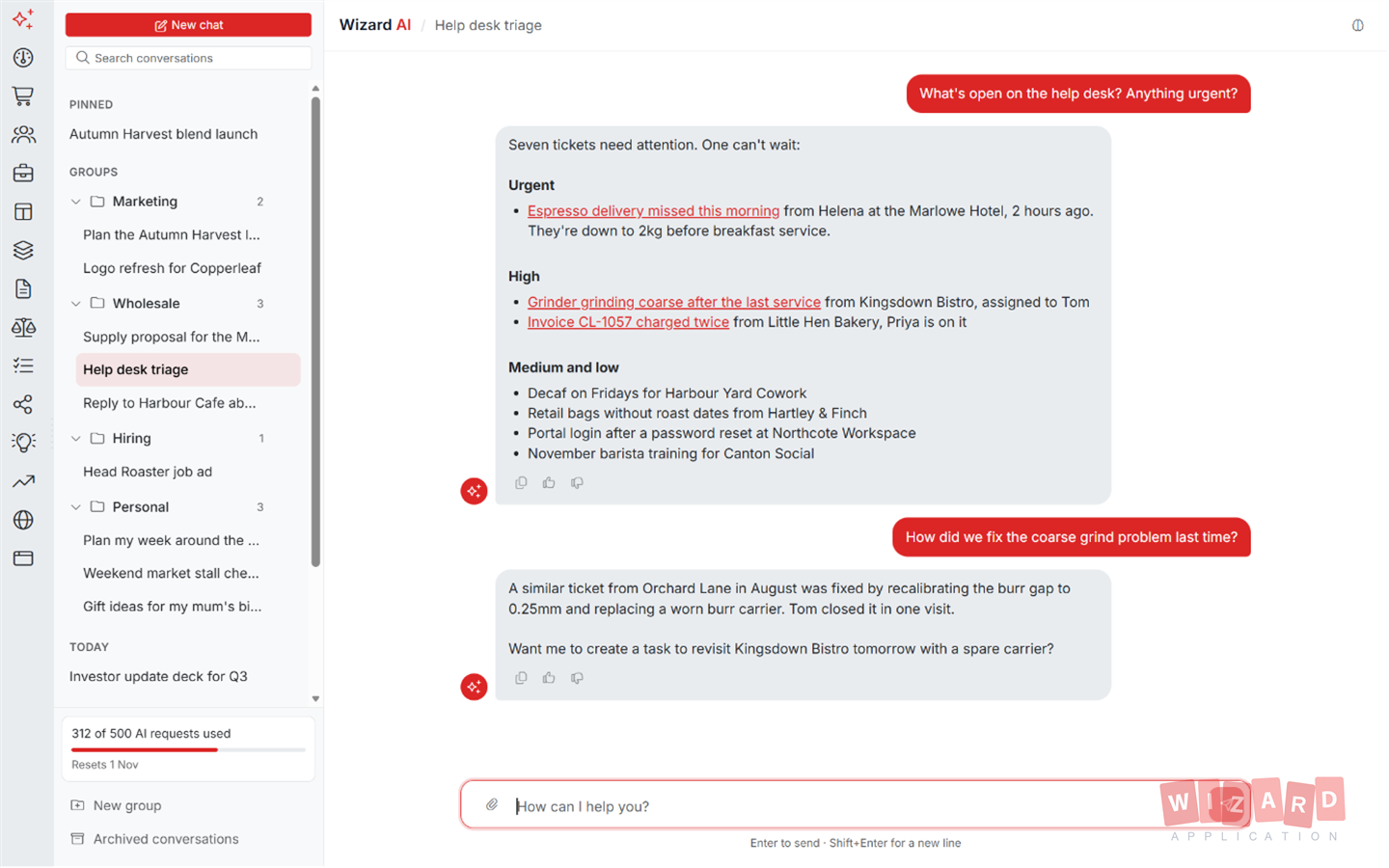
Wizard AI lives inside your workspace. Describe what you need in plain words and it drafts content, generates documents, builds workflows and sets you up to take the next step.
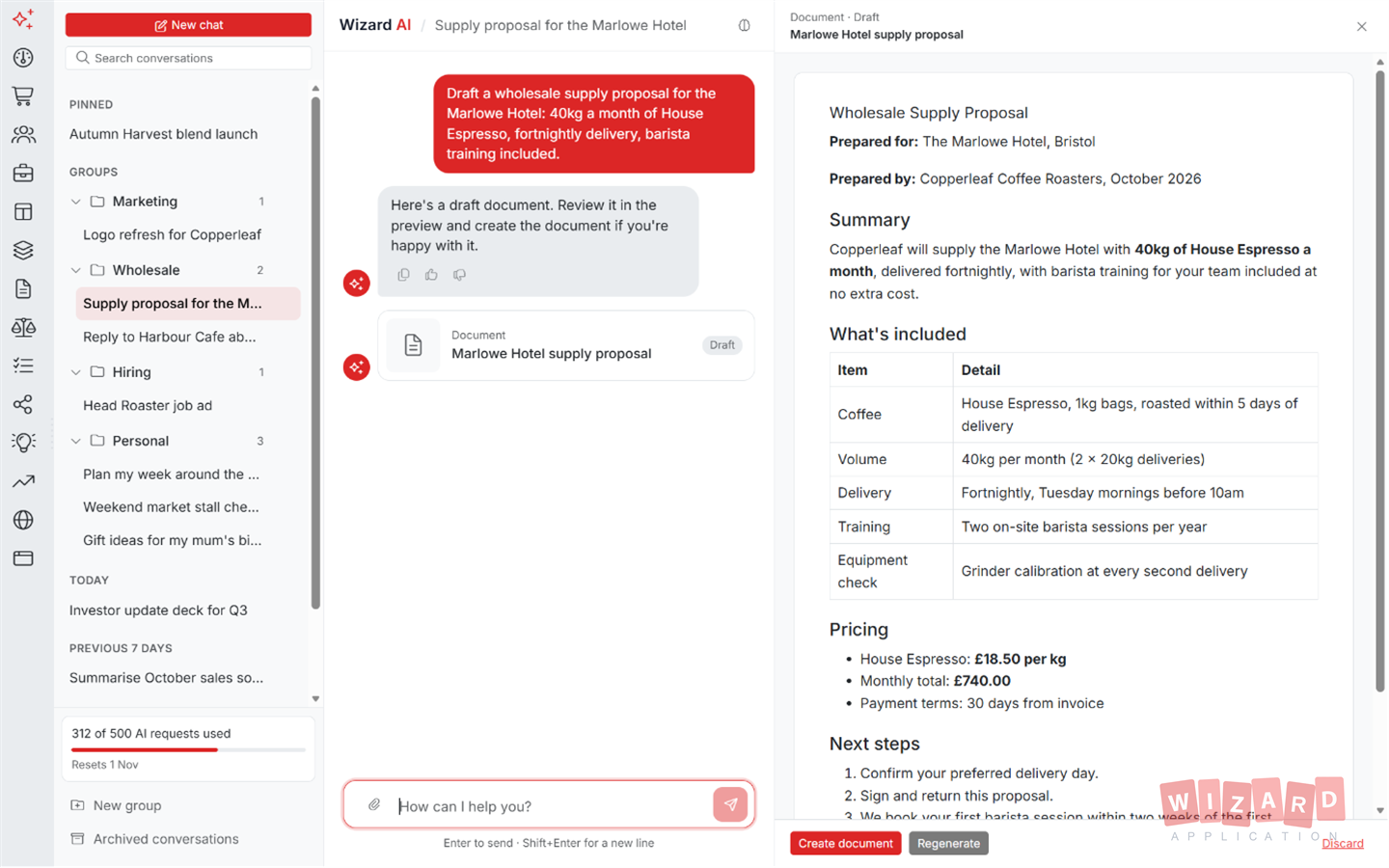
- draft a service agreement from a short brief
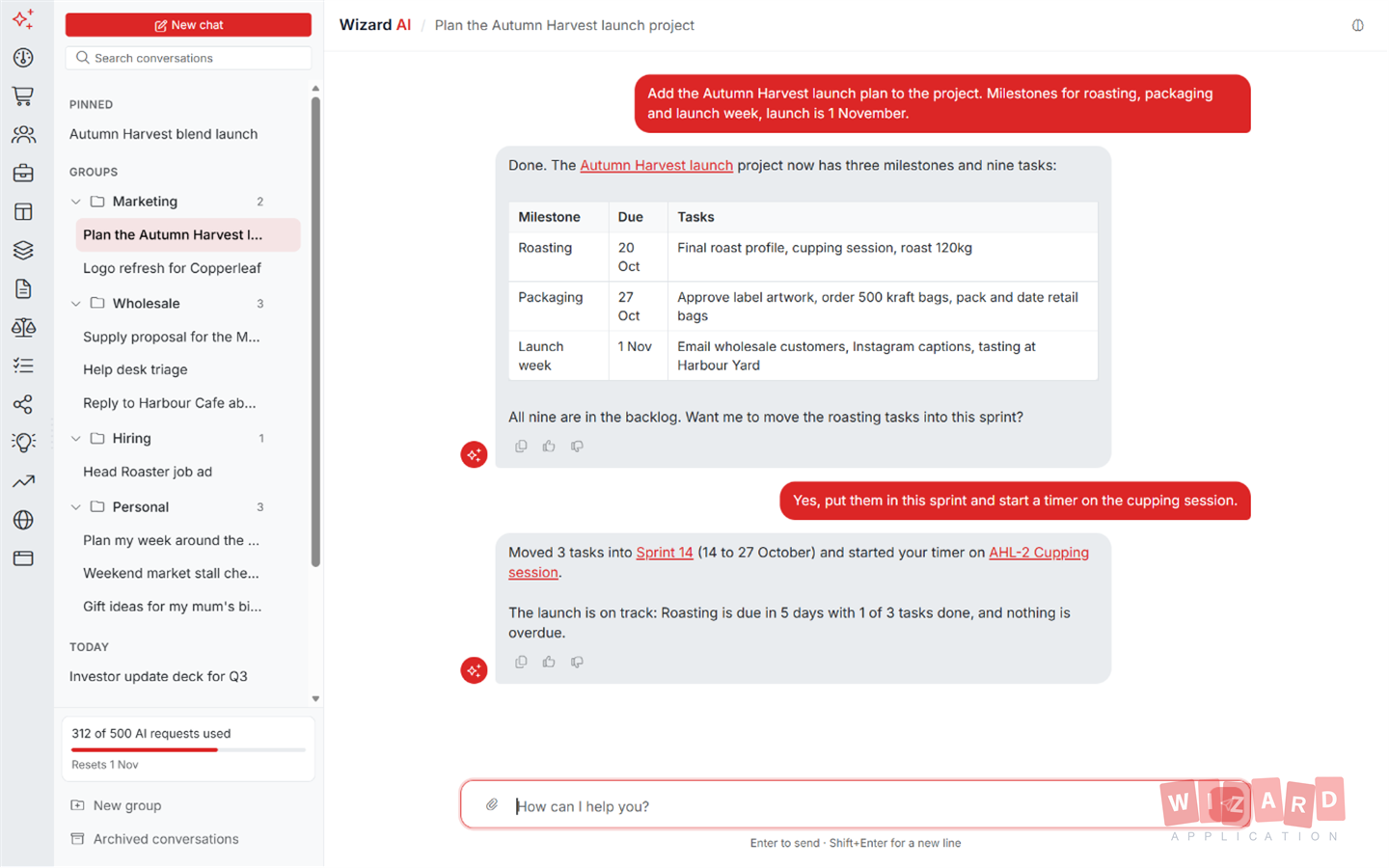
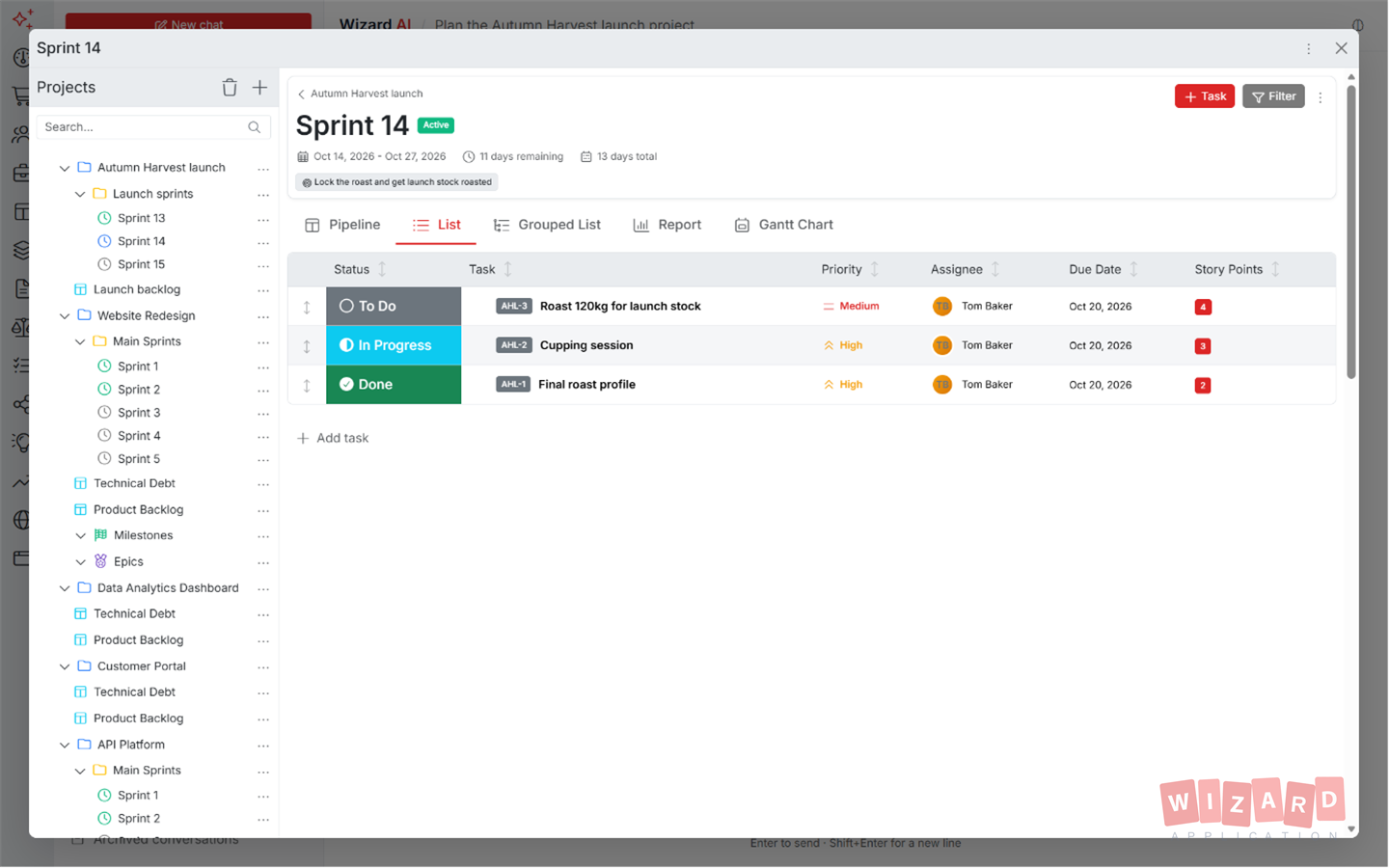
- break this feature down into project tasks and subtasks
- build a workflow to email a lead when their status changes
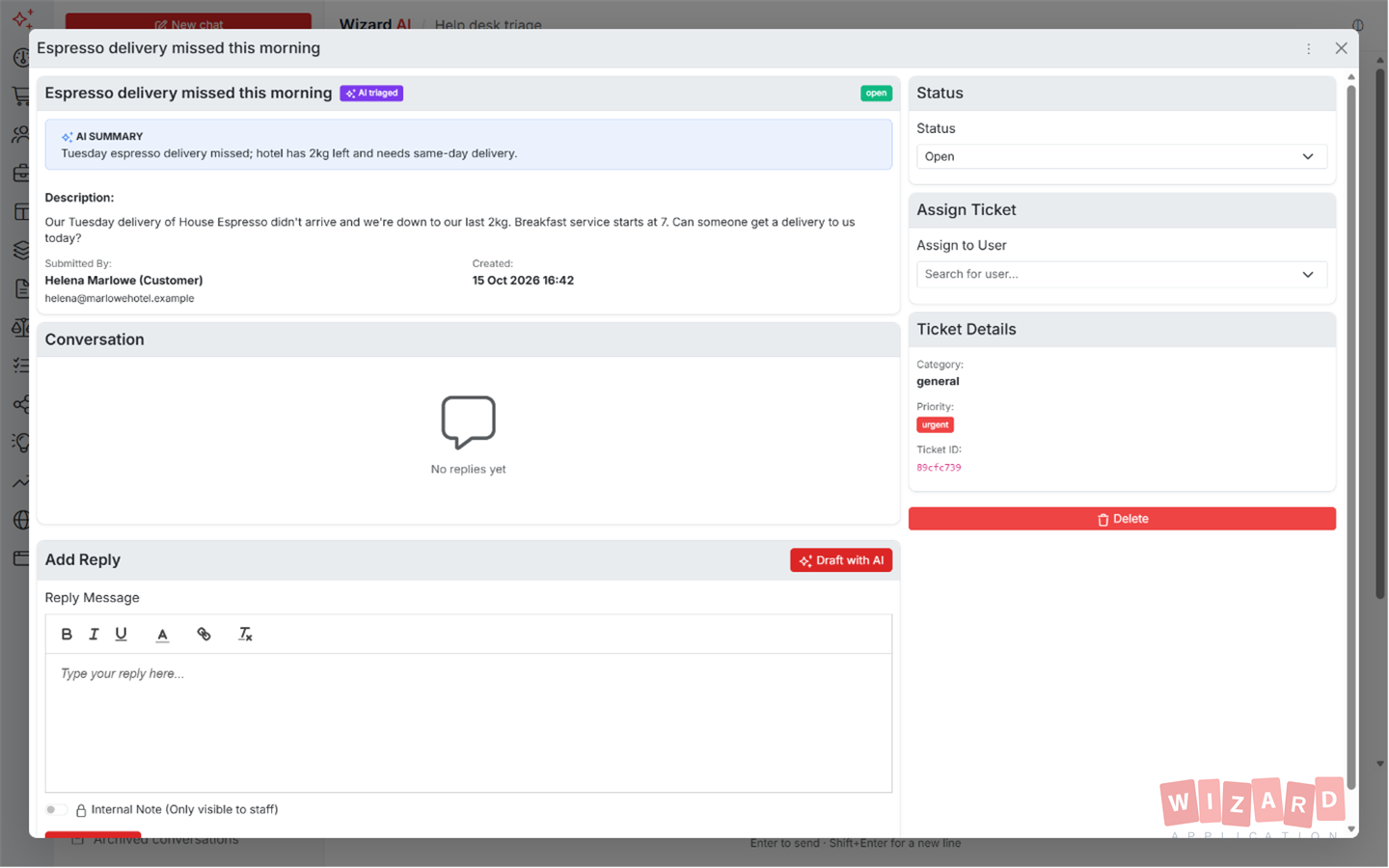
- draft a support reply grounded in our knowledge base
- match the best candidates to this role and explain why
- Drafted a service agreement from your brief
- Filled in the client details and your standard clauses
- Saved to Documents, ready for you to review and send
One business assistant. Everywhere you work
The same Wizard AI that drafts a contract in Documents screens applicants in Recruitment and proposes automations in Blueprints. No switching tools, no copy-pasting context.
Create & draft
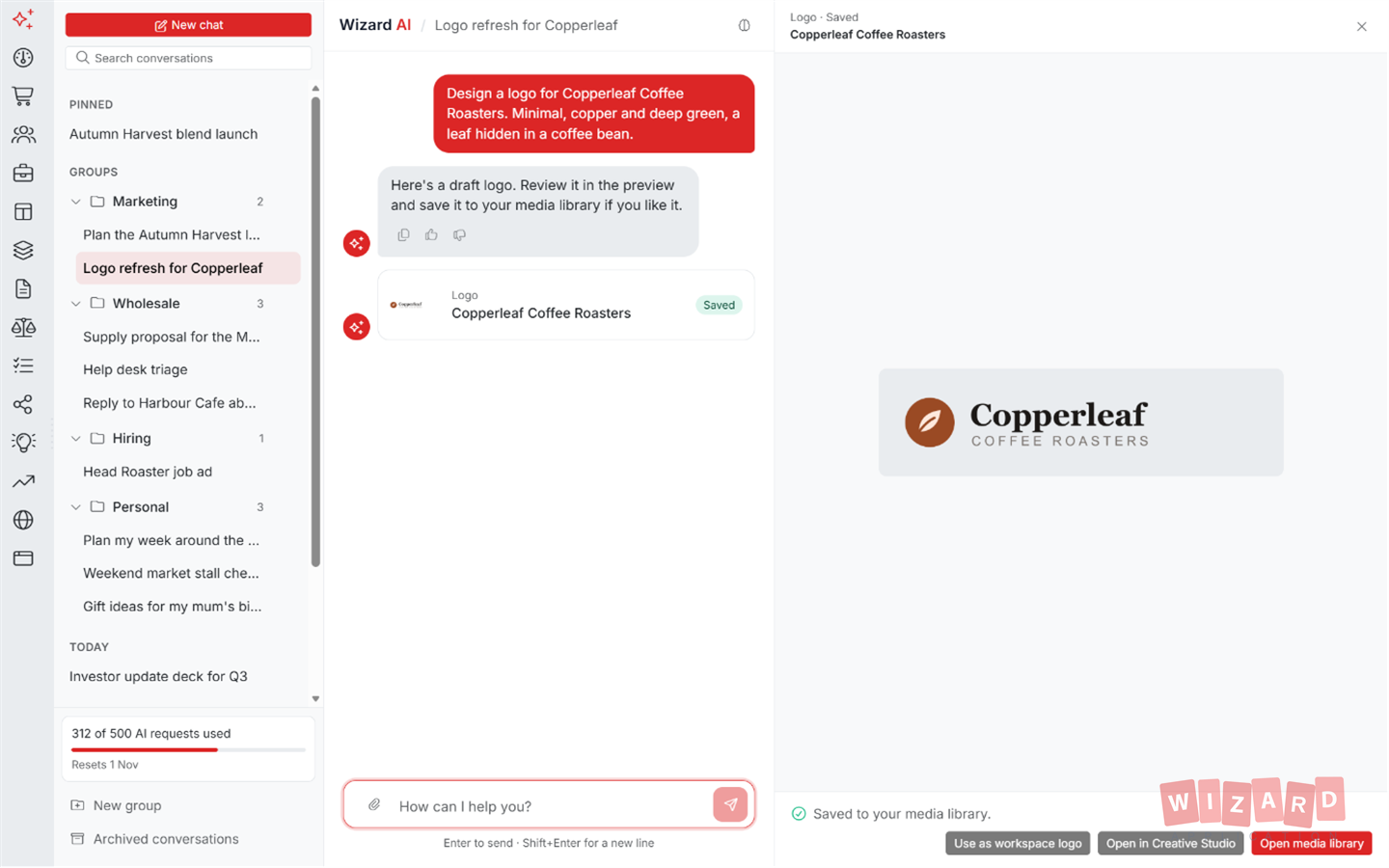
Generate first drafts in seconds, in your tone of voice, ready to edit.
- Documents, policies and contracts
- Job adverts and candidate outreach
- Helpdesk replies and knowledge articles
- Content translated into 50+ languages
Understand & extract
Point it at your files and data, and it reads, structures and explains.
- CV and document parsing into structured records
- Candidate-to-job matching and scoring
- Meeting and thread summaries
- Predictive insights from your own numbers
Automate & assist
Hand off the repetitive work and keep the decisions.
- AI steps inside Blueprint workflows
- Smart data entry and de-duplication
- Task generation from plain-language requests
- AI-seeded brainstorms and roadmaps
Just Ask. It Does the Rest.
Wizard AI is more than a chatbot. Tell it what you need in plain language, in any language your team speaks, and it carries out the work across your whole workspace: creating records, finding answers and planning ahead. It only ever does what your role allows, and it checks with you before it makes a change.
-
Do it by asking Create leads, orders, tasks, forms, content and even draft automations from a single request in plain language.
-
Answers from your own data Ask a question and get an answer grounded in your own documents, knowledge base and past tickets, not the open internet.
-
Safe by design Wizard AI respects every user's permissions and asks for confirmation before it creates or changes anything.
Attach a File. Get the Work Back.
Drop in a PDF, an image or a document and Wizard AI reads it, pulls out what matters and turns it into real work. Lift the details from an invoice and raise an order, parse a CV into a candidate, or read a signed contract and draft a summary. No fixed templates and no retyping by hand.
-
Extract and structure Pull line items, totals, dates and contacts straight out of a PDF or a scanned image into clean, structured fields.
-
Create from what it reads Turn an attached invoice into a new order, a CV into a candidate record, or a receipt into a logged expense.
-
Any file, any layout PDFs, images, scans and documents all work, with no rigid format or template to match first.
Other Tools Make You Build Agents. Wizard AI Is the Agent.
Platforms like Monday.com hand you an agent builder and leave the work to you. You create an agent, configure its triggers, connect each tool and keep it running as you grow. Wizard AI is already that agent. It works across every part of your workspace from day one, with nothing to wire up. And when you do want a repeatable hands-off process, you build it visually in Blueprints with Wizard AI steps built in.
-
Nothing to configure No agent builder, no prompts to wire together and no per-task bots to maintain over time.
-
Already everywhere The same business assistant works in Documents, Recruitment, Sales, Help Desk and beyond, straight out of the box.
-
Automation when you want it Need a process to run on its own? Build it in Blueprints, our visual workflow tool, with Wizard AI steps inside.
- Create an agent
- Configure its triggers
- Connect each tool
- Maintain it as you grow
Pay for what you use. Nothing you don't
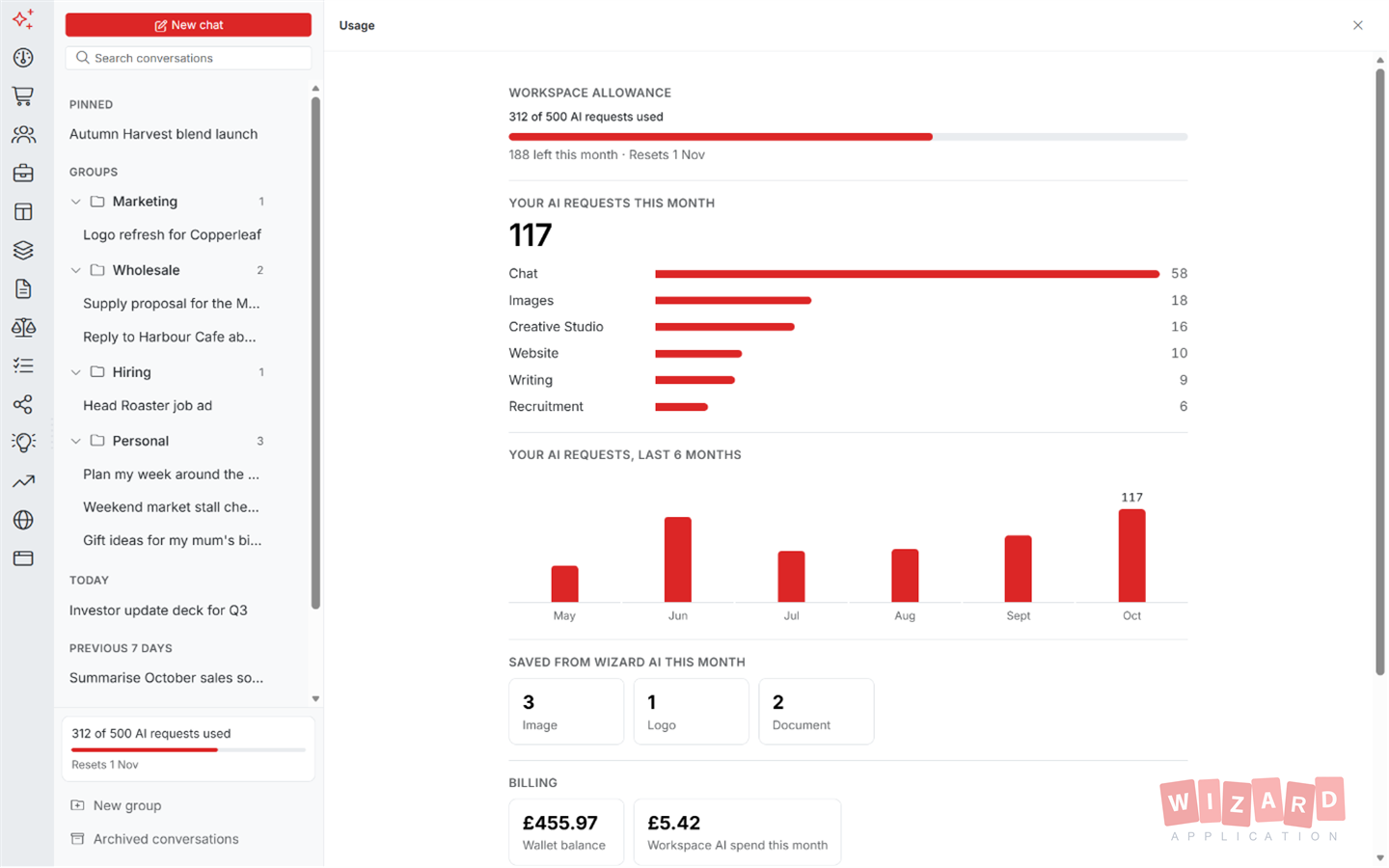
No per-seat AI surcharge and no separate AI subscription. Every plan includes a free monthly allowance, and beyond that Wizard AI simply draws on your workspace wallet.
Free monthly allowance
Every plan includes free Wizard AI requests each month, which reset automatically. Many teams never use anything else.
One unified wallet
Need more? Usage is billed in pence from the same prepaid wallet that covers SMS and storage. Top up when you choose, with no surprise invoices.
You stay in control
Every request is itemised in your wallet history, and your workspace admin can switch AI features off entirely at any time.
Run Wizard AI on Any Provider
Use our OpenAI connection on wallet credits, or bring your own account. Wizard AI works with every major AI provider.
Everything Your Business Needs
One subscription. One login. Zero limitations. Replace your entire software stack with a platform built to scale with you.
Ready to get started?
Discover how Wizard Application can streamline your business. Start your free trial today.
Wizard AI answered
Wizard AI is the business assistant built into Wizard Application. Rather than being a separate chatbot, it works inside the parts you already use, generating documents, parsing CVs, summarising meetings, matching candidates to jobs, automating workflow steps and more, all with the context of your own workspace data.
Every plan includes a free monthly allowance of AI requests that resets each month. Beyond the allowance, usage is charged in pence per request from your workspace's prepaid wallet, the same wallet used for SMS and storage. There is no per-seat AI fee and no separate AI subscription.
No. Wizard AI is enabled for every new workspace out of the box. You'll find it wherever you see the wand icon: in Documents, Recruitment, Help Desk, Blueprints, Brainstorm and beyond. Admins can disable AI features workspace-wide from settings if preferred.
All of them, where it makes sense: document generation in Documents and Content, CV parsing and candidate matching in Recruitment, reply drafting in Help Desk and Communication, AI steps in Blueprint workflows, idea seeding in Brainstorm, summaries in Chat and Calendar, and predictive insights in Reports and Forecasts.