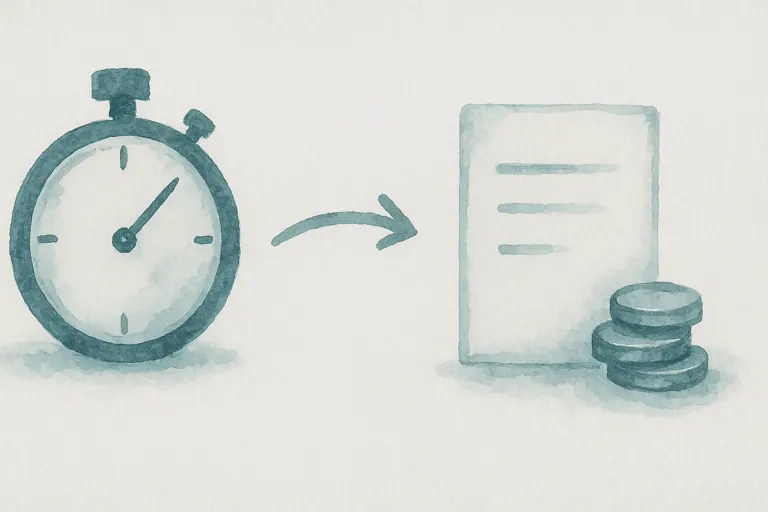
How to Invoice for Billable Hours: A Practical Guide for Small Teams
Hours you worked but never billed are revenue you never see. Here is a simple routine for recording time, approving timesheets and invoicing clients accurately.
Read moreRaise professional invoices, take payment online, and keep every account up to date. Bill for products, fixed fees, or tracked time, all from inside Wizard Application.
From the first draft to the final payment, invoicing lives alongside your customers, projects, and time entries so nothing is retyped.
Create clean, branded invoices in a few clicks and pull billing details straight from the customer record.
Every invoice carries a secure payment link so customers can settle by card or PayPal the moment they open it.
See what is drafted, sent, viewed, paid, or overdue at a glance, and follow up before an invoice slips.
Add line items, apply tax and discounts, and send. Wizard Application handles the numbering, the totals, and the tax so the invoice is right the first time.
Each invoice opens on a secure payment page with your total ready to settle. Customers pay by card or PayPal, and the invoice is marked paid automatically.
For firms that bill by the hour, tracked time becomes an invoice in one step. Ideal for legal matters, consultancy, and any professional service where every minute is billable.
One subscription. One login. Zero limitations. Replace your entire software stack with a platform built to scale with you.
Hours you worked but never billed are revenue you never see. Here is a simple routine for recording time, approving timesheets and invoicing clients accurately.
Read more
Spreadsheets are free and flexible, right up until they are not. Here are the signs your business has hit that point, and what to move to instead.
Read moreDiscover how Wizard Application can streamline your business. Start free today.
Every invoice includes a secure payment link. Customers open it and pay by card through Stripe or with PayPal. As soon as the payment clears, the invoice is marked paid and the amount due updates automatically.
Yes. Billable time entries can be turned into a draft invoice in one step, with one line per entry showing the date, work type, hours, and rate. It suits legal matters, consultancy, and any firm that bills by the hour.
You can set a VAT or sales tax rate per invoice and apply a discount before the total. Invoices can be raised in different currencies, with GBP as the default.
Every invoice carries a status of draft, sent, viewed, paid, or cancelled, and anything past its due date is flagged overdue so you can follow up before it slips.