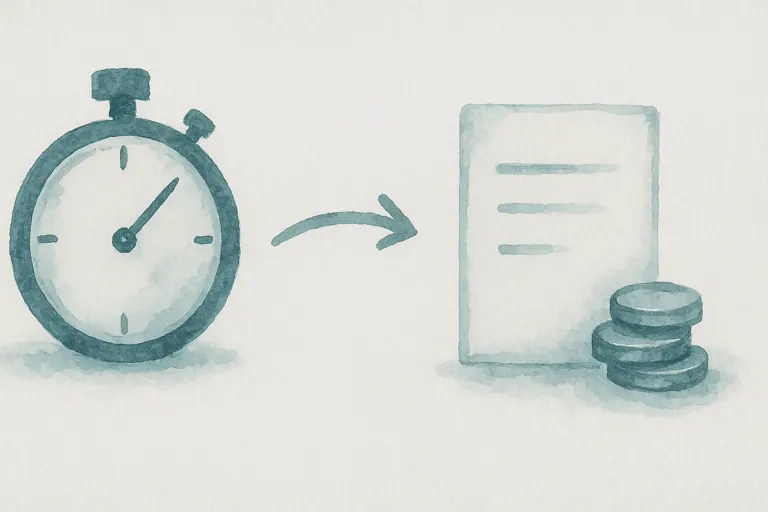
How to Invoice for Billable Hours: A Practical Guide for Small Teams
Hours you worked but never billed are revenue you never see. Here is a simple routine for recording time, approving timesheets and invoicing clients accurately.
Read moreStart a timer on any task, log hours by hand, mark them billable, and roll the lot into an invoice, without copying numbers between tools. Approval workflow keeps the books honest.
Log time the way that suits the work, live timer, manual entry, or backdated. Mark billable, get it approved, send it out.
Start a timer with one click on any task or project. Stop when you're done, the entry saves itself with the right duration and date.
Time entries roll up into a weekly timesheet. Five clear states from Draft to Paid keep the workflow tidy and the books honest.
Set hourly rates per entry, mark it billable, and the amount is calculated for you. Roll approved time straight into an invoice.
Pick a task, hit start. The timer follows you wherever you work, your entry saves itself the moment you stop, with the right duration and the right date.
Draft, Submitted, Approved, Invoiced, Paid. Every transition is auditable, so you always know what's still owed and what's already settled.
Mark an entry billable, set the rate, and the amount calculates as you go. When the timesheet is approved, those hours become invoice line items with one click, no rekeying, no rounding errors.
One subscription. One login. Zero limitations. Replace your entire software stack with a platform built to scale with you.
Hours you worked but never billed are revenue you never see. Here is a simple routine for recording time, approving timesheets and invoicing clients accurately.
Read more
Spreadsheets are free and flexible, right up until they are not. Here are the signs your business has hit that point, and what to move to instead.
Read more
You do not need a big process to work in an agile way. Here is how a small team can use backlogs, sprints and Kanban without the jargon.
Read moreDiscover how Wizard Application can streamline your business. Start free today.
Yes. Manual entry lets you type in the hours and pick the date, perfect for filling in retrospectively or logging meetings.
Each entry carries an hourly rate and a billable flag. When marked billable, the amount is calculated automatically and the entry is ready to roll into an invoice.
Approval is gated behind role-based permissions, only managers (or whichever role you grant) can move a timesheet from Submitted to Approved. Every transition is audited.
Yes. Approved billable hours become invoice line items in one click, the rate, hours, and customer are already there. No rekeying.