Visitor Sign In. One Tap at Reception.
Register the visitors you expect, hand each one a Wizard Tag card at reception and let them check themselves in and out on a tablet. Hosts hear the moment their visitor arrives, and you always know who is in the building.
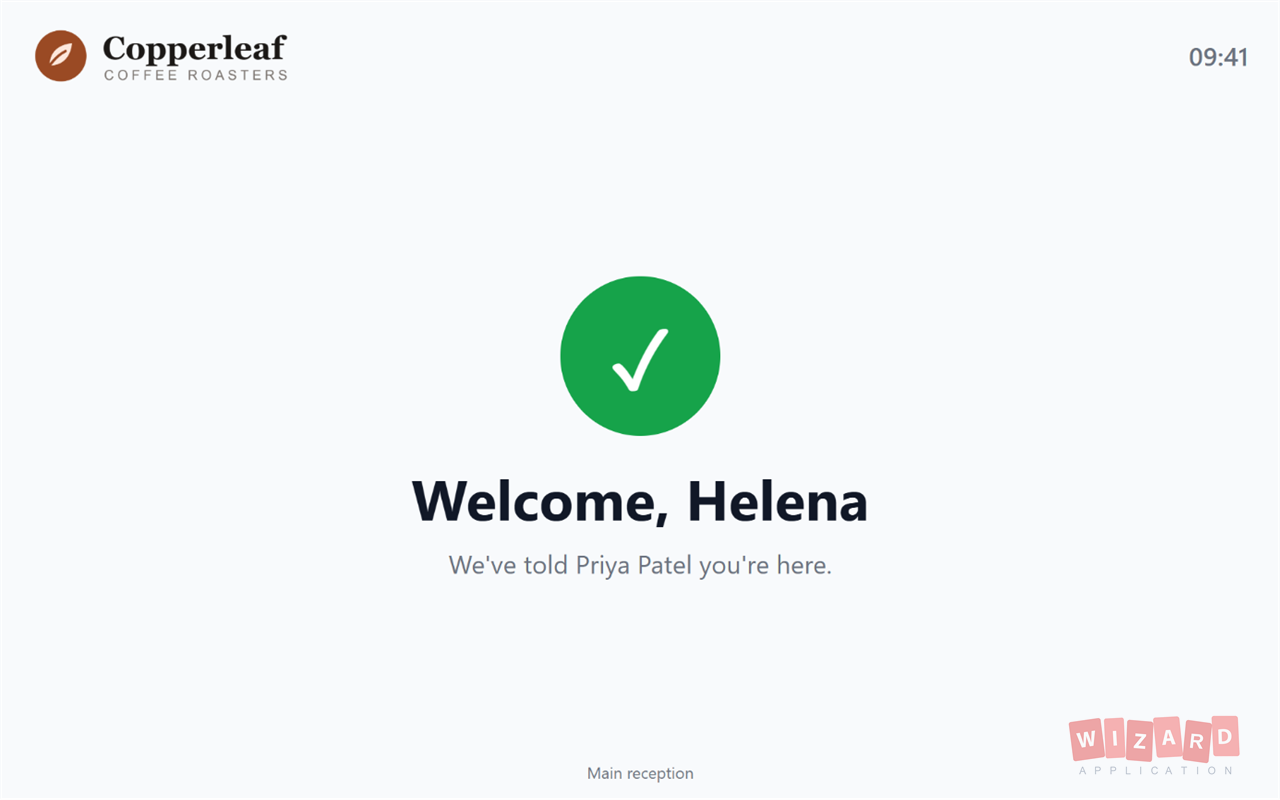
From booked to gone home
Register them
Add the visitor, their host and when they are due. Someone who has visited before is one search away.
Hand over a card
Reception gives them a Wizard Tag card from the stack. It is theirs until they leave.
Tap in and out
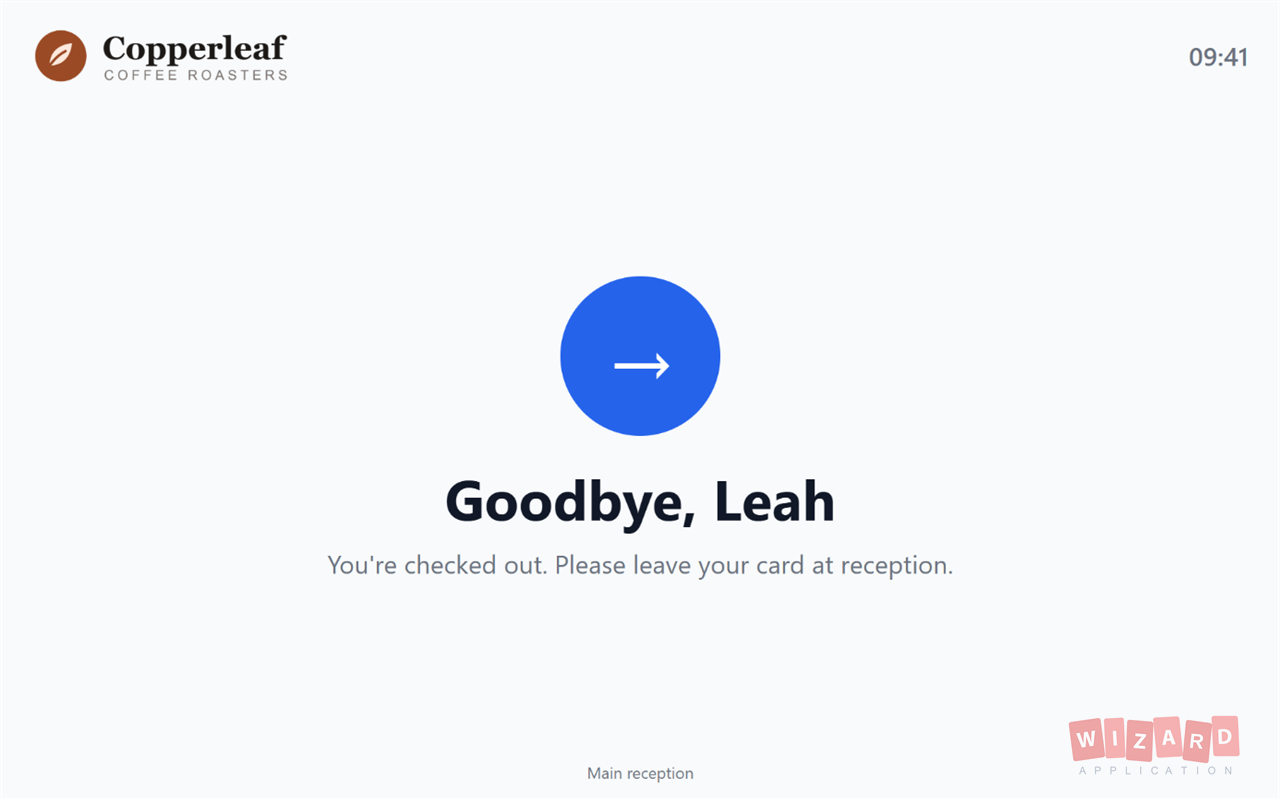
They tap the card on the kiosk to check in, and again on the way out, then hand it back at reception.
Before they arrive
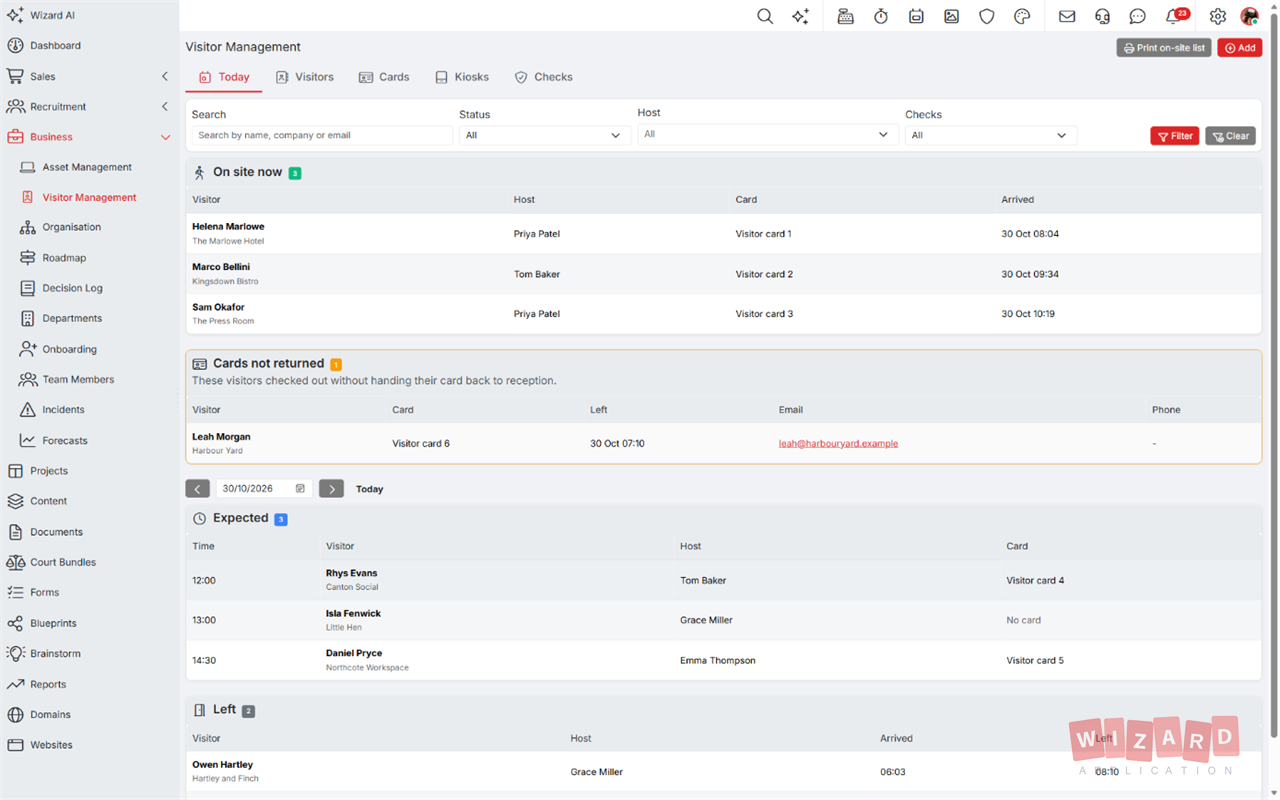
Register a visitor in seconds: name, company, host and time. Repeat visitors are remembered, with every check and visit they have had.
- Today's list shows who is expected, who is on site and who has left
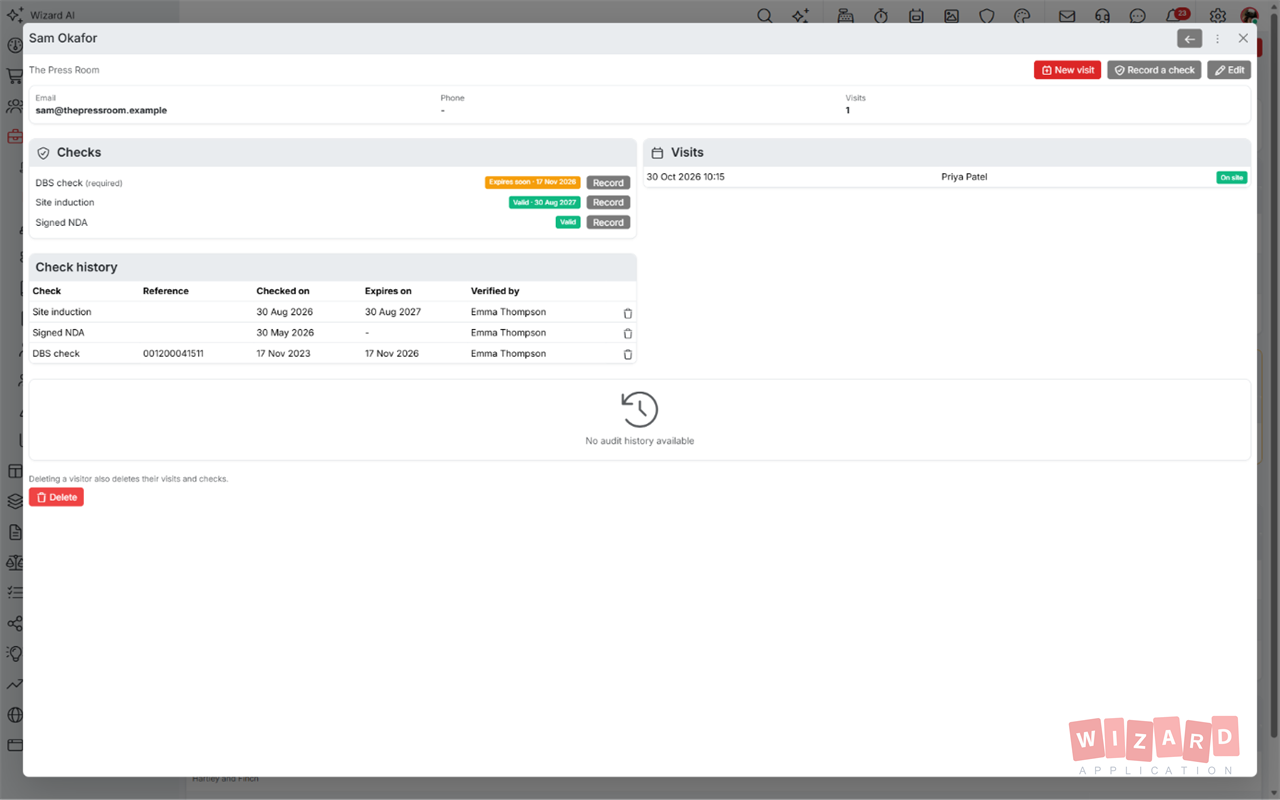
- A record for every visitor, with their visits and checks
- Hosts get a notification and an email the moment their visitor checks in
A kiosk that stays locked
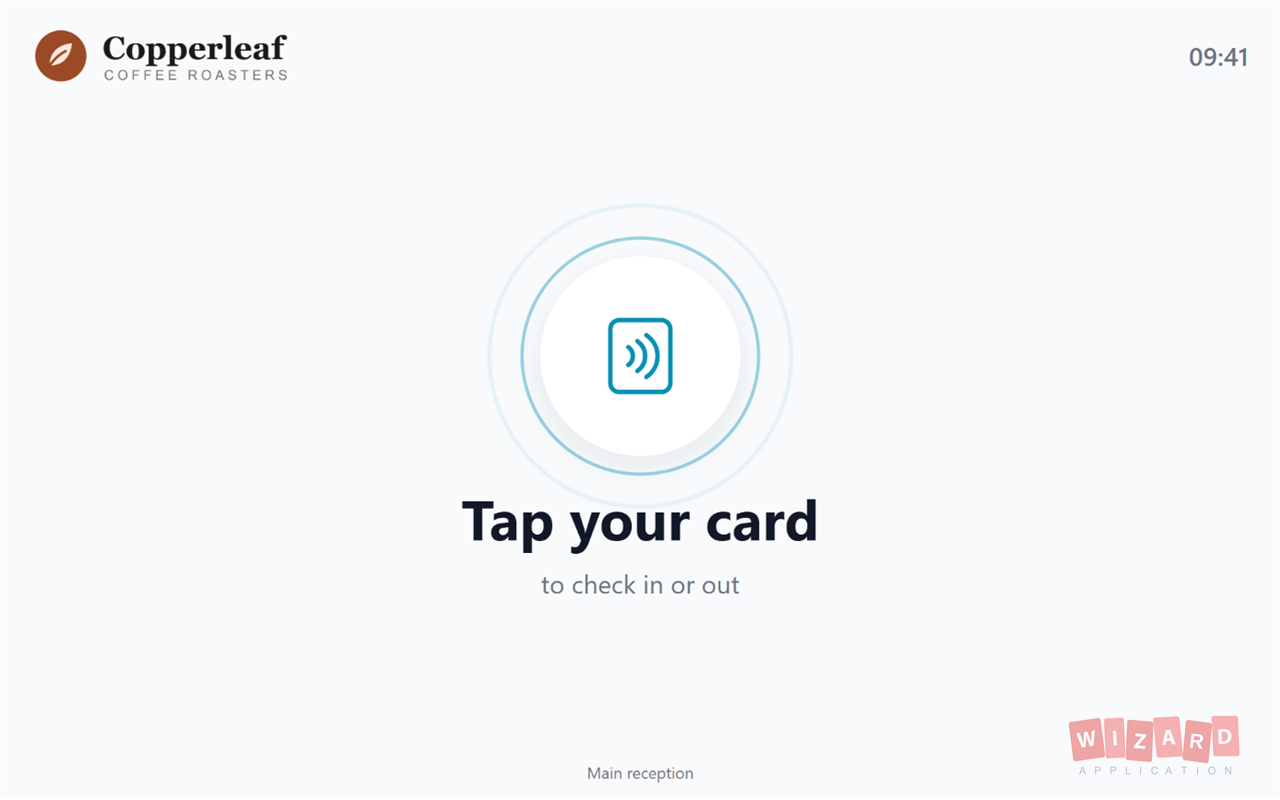
Visitors tap their card to check in, and tap again to leave. The kiosk is never signed in as a person and only ever shows the tap screen, so a tablet in a public reception is safe.
- Paired with a one-time code and signed out from anywhere in a click
- Works with an Android tablet's own NFC, or any tablet with a USB or Bluetooth reader
- Copied cards are turned away, so only the real card checks a visitor in
Checks before entry
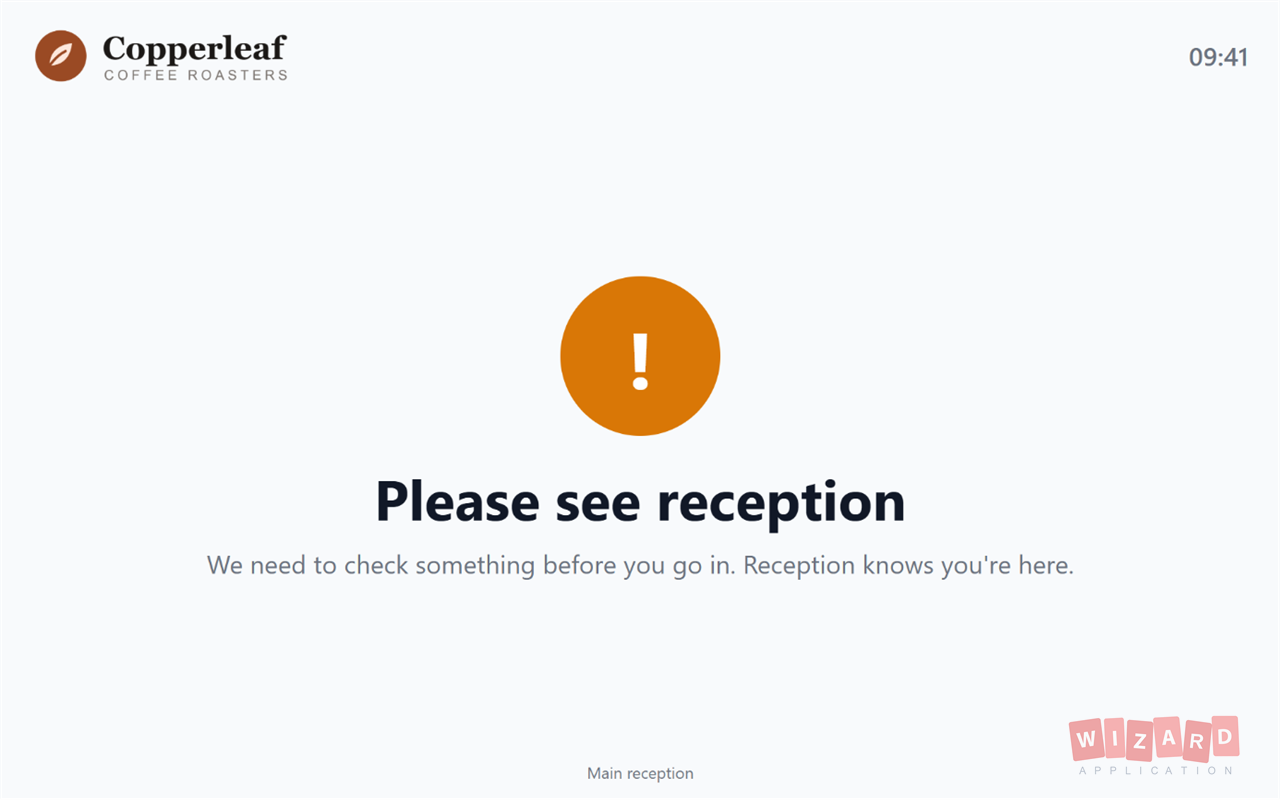
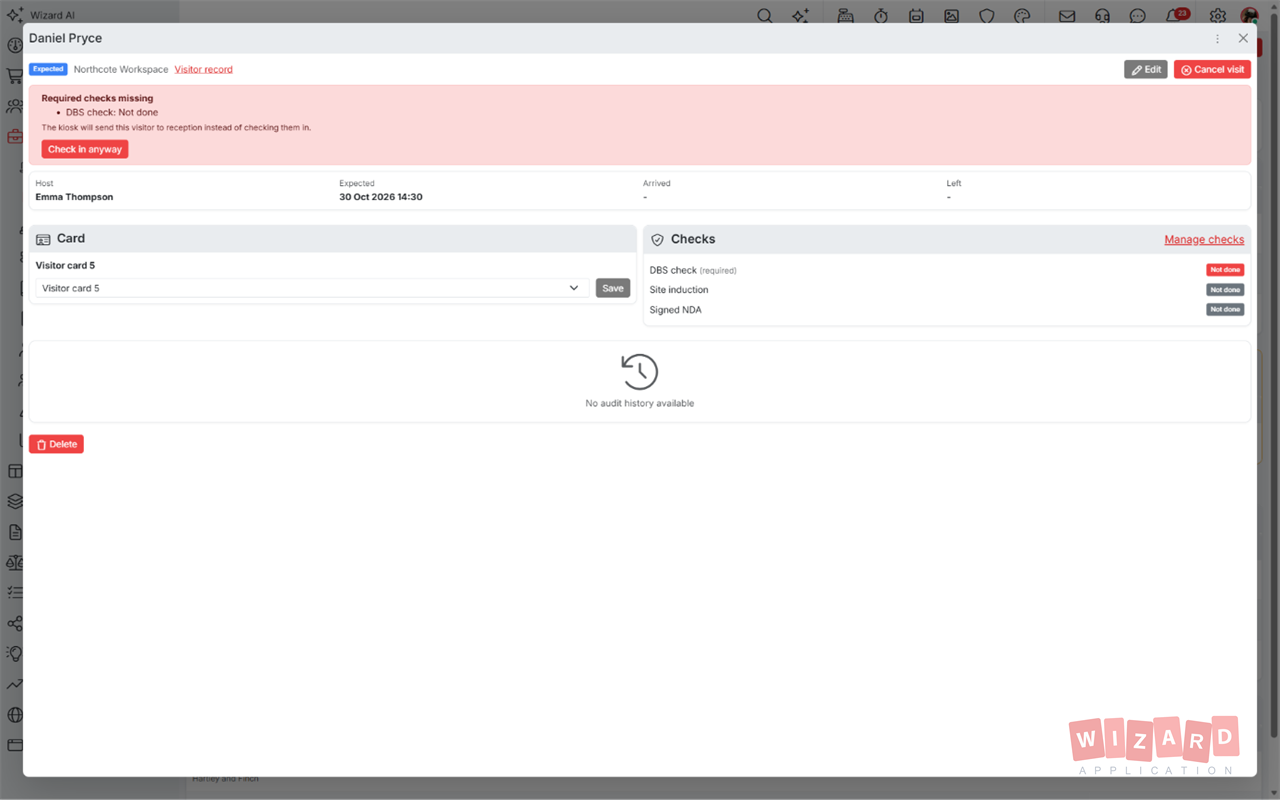
Record DBS checks, police vetting, site inductions or any check you need, with reference numbers and expiry dates. Make a check required and the kiosk sends anyone without it to reception, and tells reception why.
- Reference, date checked, expiry date and who verified it
- Checks that expire soon are flagged before they lapse
- No valid required check, no kiosk check in
- Staff can still let someone in, and that is recorded
Who is on site right now
A live list of everyone in the building, ready to print for a fire roll call, and a full history of who came, when and who they saw.
- Everyone on site, with their host and when they arrived
- Print the on-site list for a fire roll call
- Every check in, check out and change is kept in the visit's history
Reusable visitor cards
Keep a stack of Wizard Tag cards at reception. A card is ready for the next visitor once it is handed back, and any card that leaves the building is listed so reception can chase it. Cards cost £1.99 each, the same as Wizard Tags, with a minimum order of 10 in any mix.
See Wizard Tag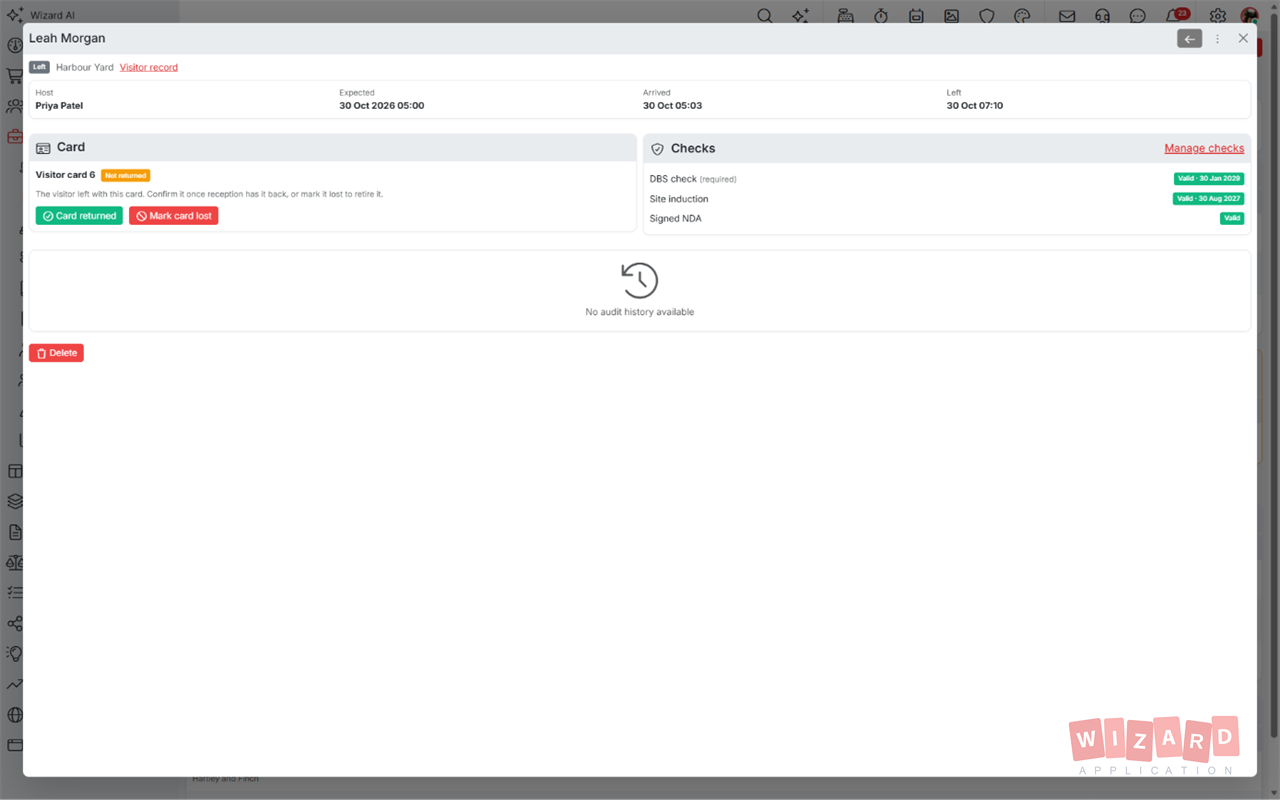
Ready to get started?
Discover how Wizard Application can streamline your business. Start free today.
Common questions.
A tablet and Wizard Tag cards. An Android tablet with NFC reads the cards itself using the Wizard Application app. Any other tablet, including an iPad, works in the browser with a USB or Bluetooth NFC reader.
Yes. Add a DBS check, police vetting or any other check and mark it as required. A visitor without a valid one is sent to reception by the kiosk, and reception is told why.
Yes. The kiosk is never signed in as a person and only shows the tap screen, so nothing in your workspace can be reached from it. You can sign it out at any time from Wizard Application.
They stay on the on-site list until someone checks them out from Wizard Application. If they took their card with them, it is listed as not returned with their contact details, so reception can chase it or mark it lost.
Yes. Visitor Management is included on every plan, including the free Starter plan. Wizard Tag cards are bought separately at £1.99 each, with a minimum order of 10.